Overview
MarkTodo is two programs over one file format: a standalone Android app, and a plugin inside Obsidian. Both read and write the same folder, and neither stores anything of its own — if you can read the note, you have the data.
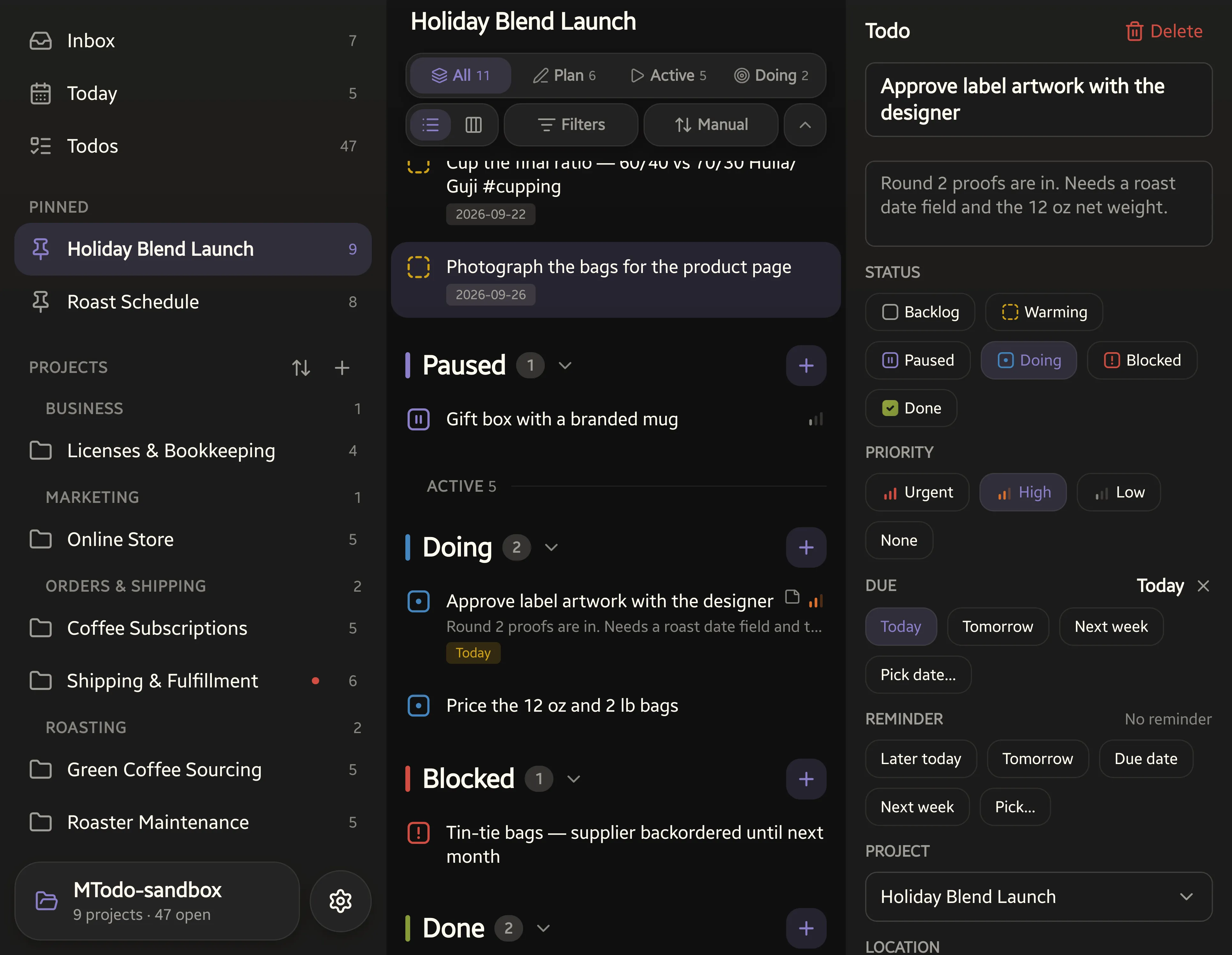
These pages cover installing MarkTodo and the complete Markdown grammar it reads and writes. Every rule here is one you can check by opening a note.
- Install — the Obsidian plugin from Community Plugins, and the Android app from Google Play.
- Quick start — from a plain note to a project in five steps.
- Syntax — the six statuses and their two phases, the note block, priority, dates, the capsule and projects.
- Views and commands — the dashboard, the view bar and focus, Agenda, boards, and the ways to capture and edit todos.
- Android app — three panes one swipe apart, the home-screen widget, and the other ways to add a todo without opening it.
- Support — where to ask a question or report something odd.